1
Create a workspace and install the extension
Start in the Lurker app, then add the published extension from the canonical Chrome Web Store listing and sign in.

Lurker narrows the scanning task. It does not replace the operator, the Facebook session, or the judgment required to join a local conversation well.
Start in the Lurker app, then add the published extension from the canonical Chrome Web Store listing and sign in.
Set positive and negative keywords, save watched groups, and select an available keyword-only or company-aware mode.
You choose the group, notification, or post pages available in Chrome. Lurker does not log in for you or join groups.
The extension evaluates eligible content visible on supported user-opened pages. Qualifying observations can be sent to AJAI for the Lurker review workflow.
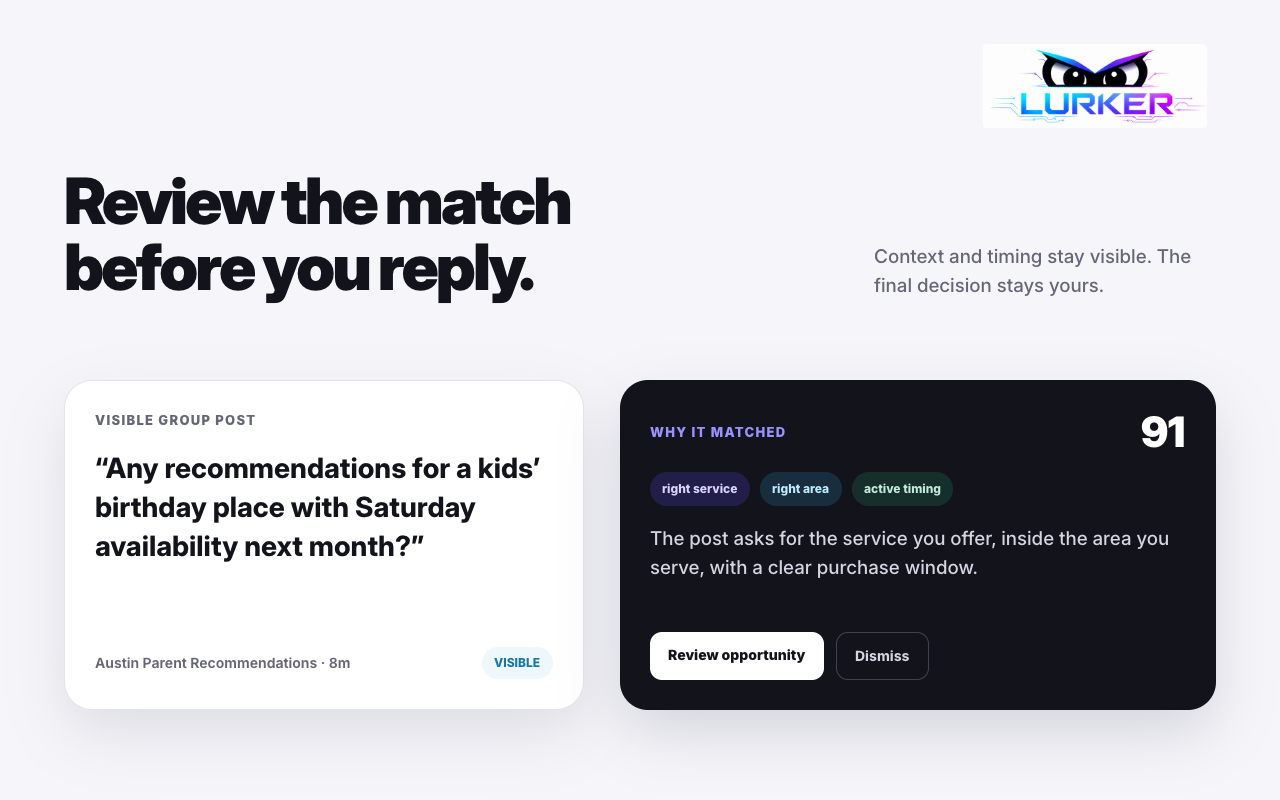
Inspect the source context, relevance score or keyword match, match reason, service fit, and any enabled draft or approved-media suggestion.
Review and edit any available draft before opening Facebook. In the Lurker iPhone app, choose a Suggested image and tap Prepare reply & open Facebook to save the image to Photos with add-only permission, copy your edited text, and open the original post. In Facebook, paste the reply and attach the saved image to the same comment draft using the photo button, where photo comments are supported. Lurker never attaches or posts it automatically.
Text-only copying remains available. Image suggestions use tag and service matching from approved company assets; not every opportunity has a match. The web app and extension have their own controls. Follow the iPhone reply steps →
The detail view makes the matching context visible so an operator can reject weak fits quickly and spend attention where it may matter.
Chrome can suspend background work, tabs can close or become stale, Facebook can change page behavior, and the product is still maturing. Check watcher health instead of assuming every relevant post will be captured.
Create a workspace, review the current plans, then install from the official listing.